encyclopedia
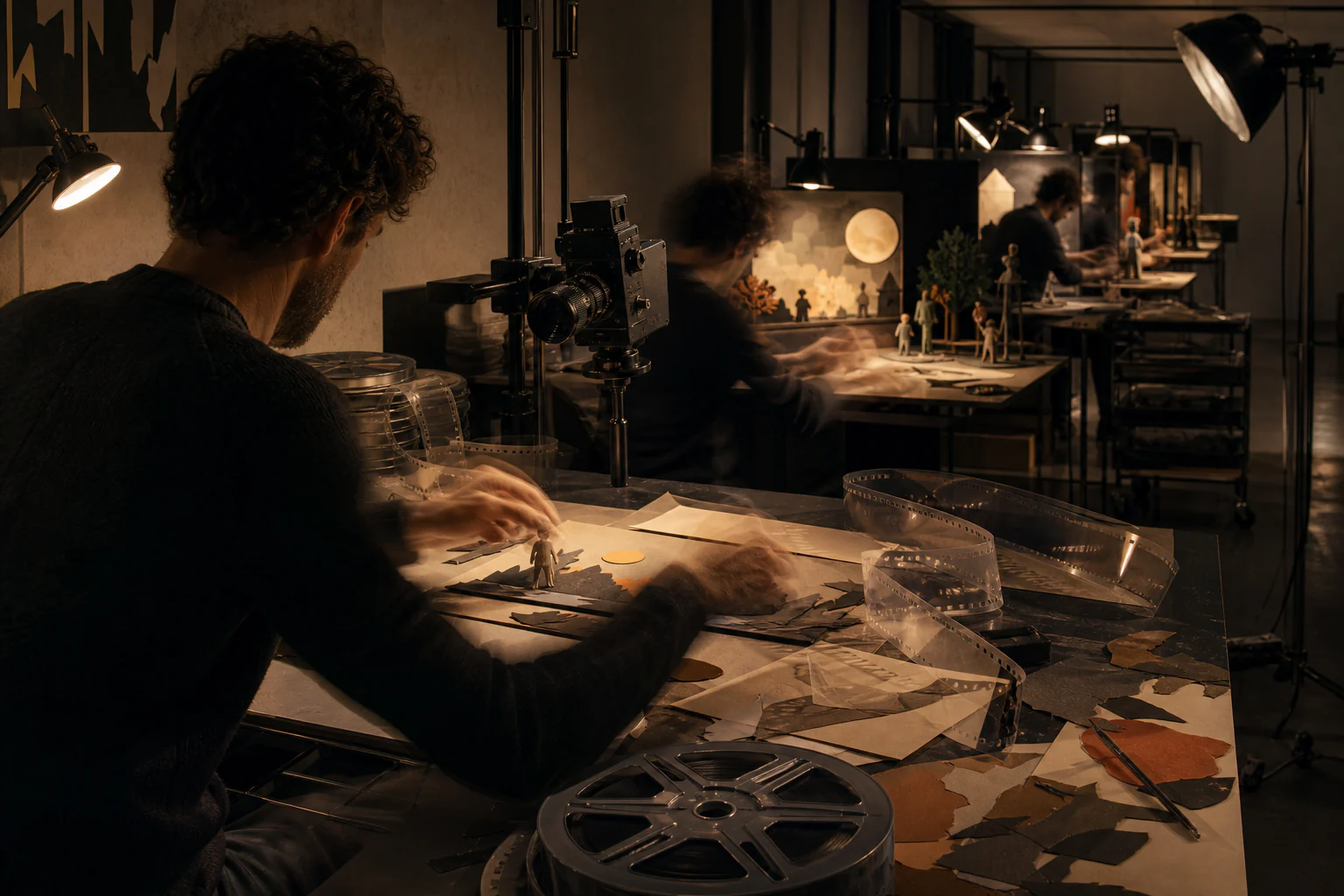
Motion pipelines — time as a design material
Movement is designed through curves and durations and produced by a pipeline with constraints of its own.
Editorial thesis
Motion design matters because it introduces into graphics a quantity it did not have — duration — and with it the requirement that every movement be explicable.
Reader question
What separates meaningful movement from decorative movement?
Short answer
Meaningful movement reports a change of state or a relationship between elements; decorative movement reports only the presence of animation.
1. Definition and boundaries
A motion pipeline is the sequence of operations turning an intention about movement into finished material: storyboard, animatic, animation, assembly, render, optimisation. Each stage imposes its own constraints.
2. The keyframe as unit
The author sets positions at discrete points in time and the machine fills the intervals. All the craft is concentrated in exactly how that filling happens.
3. The curve as content
The character of movement is set by its curve over time. Linear movement looks mechanical, because in the physical world nothing begins moving instantaneously.
4. Easing in and out
Entering and leaving a movement carry different meanings: a fast start and soft stop read as system responsiveness, the reverse as system hesitation. This is a vocabulary, not decoration.
5. Duration as a design quantity
Movement that is too fast is not read, movement that is too slow irritates on repetition. Interface animation lives in a narrow range measured in hundreds of milliseconds.
6. Frame rate
Smoothness is determined by frames per second and by interval consistency. Unevenness is more noticeable than a low rate: a stutter reads worse than consistently coarse movement.
7. Volume and weight
Principles of squash, stretch, and anticipation borrowed from drawn animation work in interfaces too. They report mass and make movement plausible.
8. Movement as explanation of relationship
An element flying from a list into a card explains that it is the same object. It is the only way to show continuity without text.
9. Direction as navigation
Entry from the left or right reports movement forward or back along a route. The spatial metaphor here carries a functional load.
10. Storyboard and animatic
Sequence and timing are verified before animation, on rough images. Skipping this stage moves corrections to the most expensive phase.
11. Compositing as assembly
A finished frame is assembled from layers with masks, grading, and effects. It is the same operation as in a still image, performed for every frame.
12. Rendering as bottleneck
Computation time multiplies by frame count, so decisions that are cheap in a still become expensive in motion. The render budget constrains intention directly.
13. Real time versus rendering
Interface animation executes on a user’s device and is therefore bounded by its capability. A film is rendered in advance and bounded only by schedule.
14. Per-frame cost on device
Animating properties that force layout recalculation costs more than animating position and opacity. This technical distinction determines what can be animated smoothly at all.
15. Vector animation in products
A format describing movement as data rather than as video allows playback at low weight with colours changeable at runtime. It is the standard solution for interface illustration.
16. Reduced motion as a mandatory state
Some users physically tolerate movement poorly. The system reports this preference, and ignoring it denies access rather than expressing a style.
17. What to do under reduced motion
The correct response is not to disable animation entirely but to replace movement with a change of opacity. The message about transition is preserved while vestibular load is removed.
18. Repetition as criterion
Interface animation is seen thousands of times, advertising animation once. These are different genres with opposite requirements: the first must be unnoticeable, the second memorable.
19. Title sequences as historical predecessor
Title sequences first showed that typography can exist in time. The devices developed there passed into interfaces almost unchanged.
20. Sound as part of timing
Coinciding movement with sound changes the perception of duration. In interfaces sound is usually absent and the entire load falls on the curve.
21. Documenting movement
Movement is described by duration, curve, and delay — three numbers that can be recorded in a design system. Without that record animation is not reproducible by another team.
22. First turn: movement became accessible
Desktop tools took animation out of specialist studios. The number of authors grew by orders of magnitude while the average level fell.
23. Second turn: movement entered the interface
Animation stopped being a genre and became a property of products. Requirements shifted from expressiveness to invisibility and per-frame cost.
24. Third turn: movement became data
Describing animation as parameters rather than as video made it modifiable at runtime. This moved motion into the domain of design systems.
25. What is usually misunderstood
The error is treating animation as a finishing decoration. Movement reports system state, and added at the end it usually contradicts interface logic.
26. Counterargument
The objection is practical: movement slows work. A user who knows the route must wait for a transition that tells them nothing.
27. Where the counterargument holds
It holds entirely for professional tools with frequently repeated actions. There animation is pure time loss.
28. Where it fails
It fails on first encounter and on change of context. Movement explains where an element came from, and without it a transition reads as a reload.
29. Link to performance
Smoothness is an engineering quantity rather than an artistic one. Animation that does not fit the frame budget looks worse than none.
30. How to read the subject today
Ask one question of every movement: what does it report. If there is no answer, the movement is decoration and is paid for with the user’s time.