analysis
From Campaign to System: Layout, Delivery, Archive and Reuse
How to turn final images into a durable system of files, formats, rights, metadata and reuse.
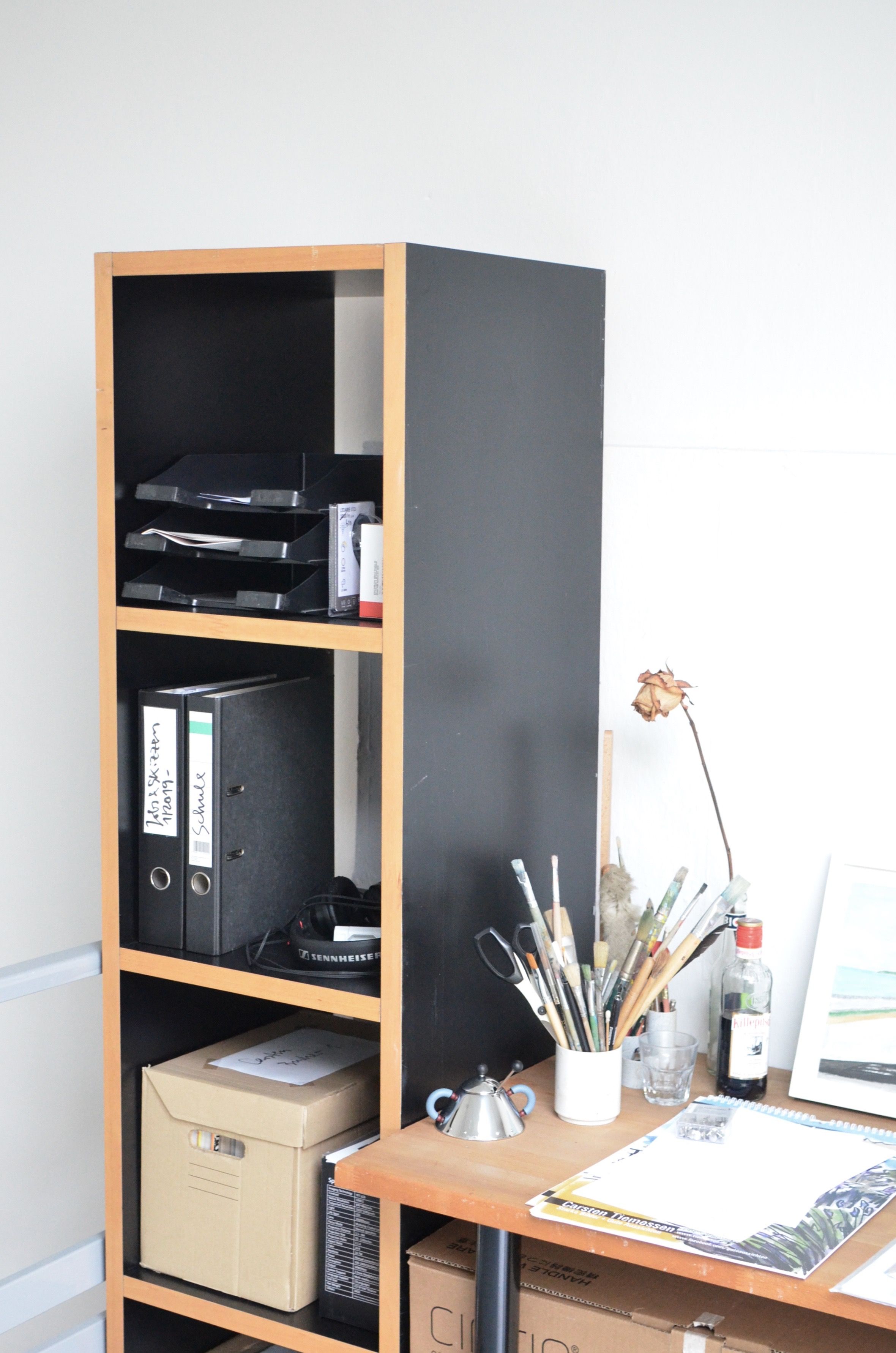
Hero: production workflow treated as an editorial subject.
Editorial question
How do you organize a campaign so it does not die one week after publication or turn into a folder called “old_final_misc” a year later?
Short answer
A finished photograph is not yet a finished campaign. Images must survive layout, portrait and square crops, web, print, social, client delivery, legal restrictions, retrieval a year later and possible reuse. Delivery and archive are not cleanup after creativity; they are the final stage of system design. This is where files become assets.
Thesis
Production quality is visible not only in the hero image but in how easily someone else can use the project after the shoot is over. A strong archive answers questions without its author: where is the master, which version is approved, who owns the rights, which crop belongs to which channel, where are the sources, and can the image be used again next season? If that knowledge lives only in the producer’s head, the system is already broken.
Hero: production workflow treated as an editorial subject.
Evidence and cases
Master Asset and Derivatives
Define the master first. Depending on pipeline, this may be an approved full-resolution retouched TIFF or PSD plus an export master. Social, web, print and crop versions should be derivatives rather than independent “finals.”
This protects quality. When a new format is needed, the team returns to the master instead of stretching yesterday’s Instagram JPEG.
Crop System: Think Before the Shoot
Layout begins on set. A hero that works only in 3:2 and collapses in 4:5 is a weak campaign asset for a mobile-first brand. Required ratios and text-safe areas should therefore exist in treatment.
After the shoot, define a crop system: landscape hero, portrait, square, story, banner, detail. Not every source image needs every ratio; sometimes selecting another frame is better than forcing a composition.
Typography and Negative Space
Image and text should be designed together. If every crop fills the frame edge to edge, designers must cover important content or add artificial boxes. Negative space is functional space.
Overlay templates for key formats let teams verify logo, headline, legal copy and interface safe zones before export.
Delivery Structure
Client delivery should be boringly predictable. Top level: README, masters, approved exports, print, web, social, rights, metadata and optional sources. Inside: stable names and no duplicates differentiated only by “new” and “last.”
Do not ship the entire internal production mess unless the client needs it. Working PSDs, capture folders and tests may belong in a separate internal archive. Client delivery should be usable without a guided tour of your file system.
Rights and Usage
Rights should travel with the image. Who is the photographer, who owns copyright, what territory, duration and media are licensed, is paid advertising included, are model and property releases available? These facts should not live only in a contract that no one can find next to the assets.
IPTC defines fields for creator, copyright notice, credit line, rights usage terms, instructions and related information. Even when a company uses its own DAM, the principle remains: an asset without rights context is incomplete.
Metadata: The Image Should Explain Itself
A useful archive records project name, date, creator, description, keywords, campaign or collection, rights status, usage terms, release status and source/master link. Web derivatives add alt text and sensible file names.
Metadata is not only legal administration. It turns fifty thousand files into a searchable library. Two years later nobody remembers “that frame with the concrete staircase,” but keywords and job ID can find it immediately.
Archive: 3-2-1 as a Way of Thinking
Keep multiple independent copies and at least one away from the primary workstation or location. Technology may change — NAS, cloud, LTO, external storage — but independence matters.
Test restore as well as backup. A backup never tested is hope, not a system. Open random master files periodically and use checksums for critical archives.
Reuse Without Repetition
Well-organized assets can support new communication without a new shoot: alternate crop, new sequence, details, textures, motion cut, retrospective, press kit. But reuse must respect rights and context; an old campaign image is not automatically licensed for a new paid advertisement.
Archive also becomes brand memory. It reveals which locations, colors and types have been overused, helping the next project avoid unconscious repetition.
Package Manifest and Checksums
For major handoffs, a manifest records file name, type, size, version, role and rights. Checksums verify that archives survive transfer intact. This feels excessive until two visually identical files turn out to be different approvals.
Manifest becomes particularly valuable when a project is handed to another agency, publisher or archivist and outlives the people who created it.
When the Project Is Actually Finished
Not after publication and not after payment. A project is complete when approved assets are delivered, rights recorded, masters and sources archived, metadata written, backups verified, temporary work separated, and the team can find any key file through a predictable path.
That is the moment when a photograph stops being the result of one day and becomes part of a long-term visual system.
Practical Takeaways
Separate masters from derivatives. Plan ratios and text-safe areas before shooting. Make delivery predictable. Keep rights with assets. Use metadata for search and legal clarity. Maintain independent backups and test restore. Use manifests for complex handoffs. Treat archive as a brand asset, not a warehouse of the past.
Professional Checklist
☐ Master asset identified
☐ Required crops exported
☐ Rights attached
☐ Metadata completed
☐ Delivery structure clean
☐ Independent backups verified
☐ Manifest and checksums generated
Visual analysis
The article's visual logic can be tested through «Master Asset and Derivatives», «Crop System: Think Before the Shoot», «Typography and Negative Space», «Delivery Structure», «Rights and Usage», «Metadata: The Image Should Explain Itself». Compare these signs within one object or sequence rather than judging them as an isolated style.
Practical implication
Separate masters from derivatives. Plan ratios and text-safe areas before shooting. Make delivery predictable. Keep rights with assets. Use metadata for search and legal clarity. Maintain independent backups and test restore. Use manifests for complex handoffs. Treat archive as a brand asset, not a warehouse of the past.
Limitations
“From Campaign to System: Layout, Delivery, Archive and Reuse” is limited to its stated subject: how to turn final images into a durable system of files, formats, rights, metadata and reuse. The analysis does not replace examination of a specific original, project, or production context.
Sources
The open sources for “From Campaign to System: Layout, Delivery, Archive and Reuse” are listed in the page panel and define the boundary of its verifiable facts.